Noise Reduction
Remove Constant Background Noise
Reduce fan hum, hiss, and room tone while preserving speech intelligibility.
Noise Removal. Voice Clarity. Fast Workflow.
Clean Audio helps you process rough voice recordings into clear, production-ready dialogue with fewer manual passes. Keep your edit focused while the tool handles repetitive cleanup.
Windows only for now. MacBook version coming soon.
Quick demo of Clean Audio running in a real workflow.
A focused set of tools for quickly cleaning spoken audio tracks in real projects.
Reduce fan hum, hiss, and room tone while preserving speech intelligibility.
Improve clarity so dialogue sits forward and translates across devices.
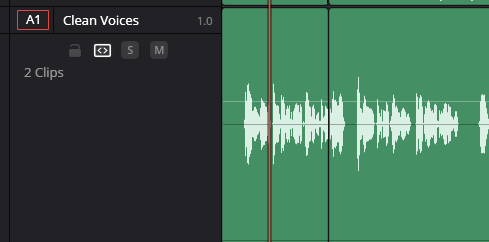
Keep settings coherent across clips to speed up episode or interview editing.
Clear parameter groups let you dial in sound with minimal context switching.
Built for spoken content that needs clean, stable output on tight deadlines.
A practical landing page and tool direction aligned with post-production workflows.
Start with the current release and process your first project in minutes. If you already use Resolve daily, this fits naturally into your existing timeline workflow.
Currently available on Windows. MacBook version coming soon.
Get Clean Audio